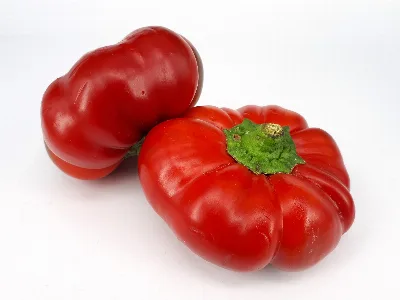
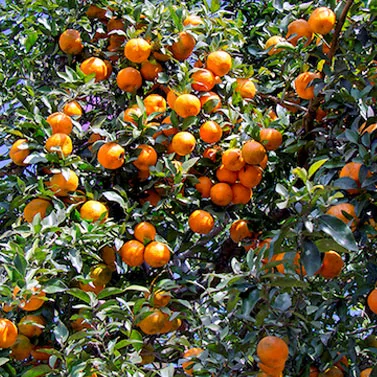
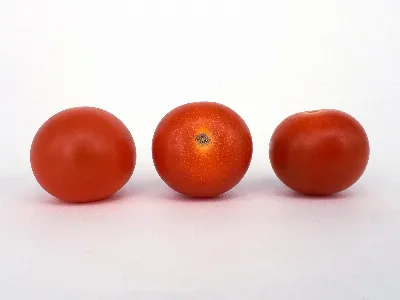
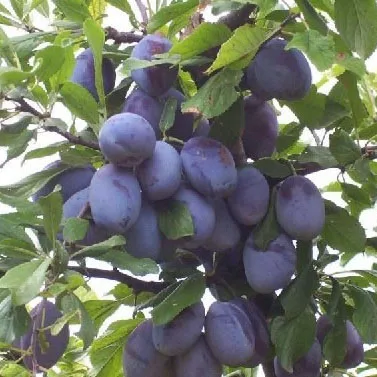
Sector image — not a photo of this company · Foto: Michielverbeek · CC BY-SA 4.0 · Wikimedia Commons
About Crown Fields
Rotterdam-based importer of premium Moroccan citrus, peppers, watermelons and seasonal produce for European wholesalers.
Crown Fields operates as importer, exporter and distributor in Rotterdam, Netherlands, with products in the categories groenten and fruit. (summarised from the data below)
Products as listed on the company's own website, linked to the AGF.eu product encyclopedia. Product photos come from the AGF.eu library and show the product, not this company's goods.
Activities & services
Importer
Exporter
Distributor
Packer
Logistics
Trader
Producer
Importers confirmed by editors
Services
Distribution
Packing
Sourcing
Import
Quality control
Storage & cooling
Transport
Only activities and services the company itself mentions on its website or that the editors confirmed. Hover over an item for the source.
Markets
Customer segments
Wholesale
Retail
Foodservice
Only countries the company itself explicitly names as export or import countries; not a complete list and no volumes.
No company images yet. AGF.eu only shows images supplied by the company or with documented usage rights; images from websites are never copied automatically.
Every data point on this profile can be traced to a source. Data from the own website is determined automatically and checked periodically; it is not verified by AGF.eu unless stated. Existing data is never silently overwritten. Last updated: 23-11-2026. Spotted an error? Report a correction
AGF.eu, always at hand
Discover the European potato, vegetable and fruit sector straight from your home screen.
Direct access to AGF.eu.
Follow news and developments in the fresh produce sector.
Open AGF.eu from your home screen.
An app-like experience on mobile and desktop.
No app store download needed.
Install on iPhone or iPad
Open AGF.eu in Safari.
Tap the Share button.
Choose Add to Home Screen.
Confirm.
Install on iPhone or iPad
On iPhone and iPad you install AGF.eu via Safari.
Open AGF.eu in Safari.
Tap the Share button.
Choose Add to Home Screen.
Confirm.
Install on Mac
In Safari, choose File in the menu bar and then Add to Dock.
Install via your browser
Click the install icon on the right of the address bar, or open the browser menu and choose Install AGF.eu (in Edge: Apps, Install this site as an app).
Install on Android
Open the browser menu (⋮) and choose Install app or Add to Home screen.
Install in Samsung Internet
Open the menu (☰), choose Add page to and then Home screen.
Installing in this browser
This browser does not support installing web apps. Open AGF.eu in Chrome, Edge or Safari to install the app.
AGF.eu is installed
You can find the app on your home screen or in your app overview.